
Space MMO · Private beta
SpaceCorps 2027
Fly for a corporation, hunt aliens with your clan and climb the season ranking. A native game for macOS, Windows and Linux.
Free download. Needs an internet connection: the game plays on the SpaceCorps server.
In the game
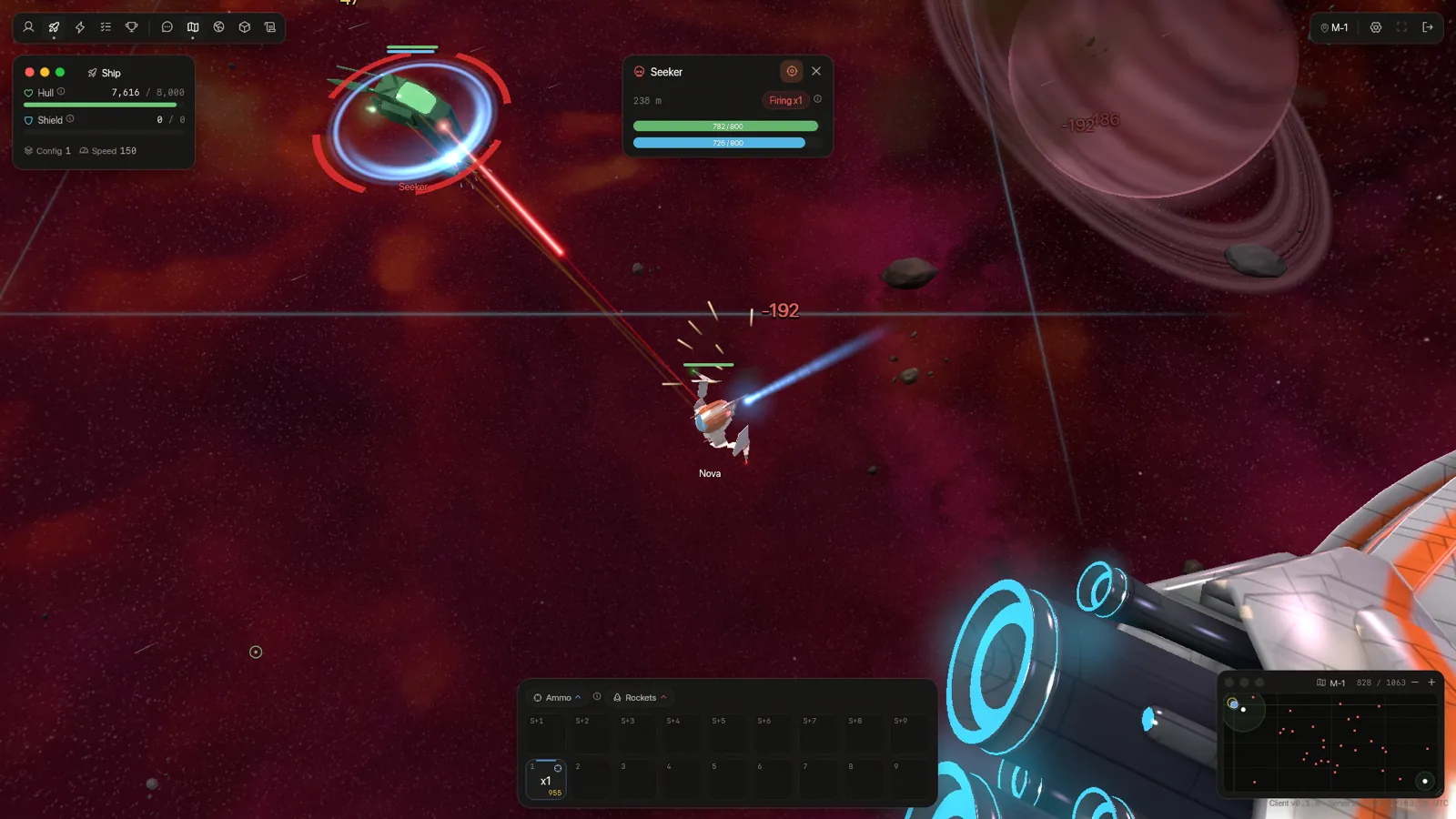
Real frames from the client, rendered by its own engine.
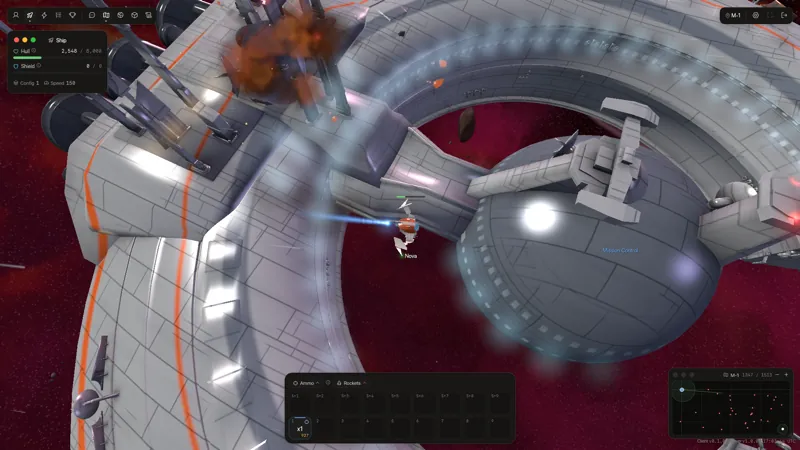
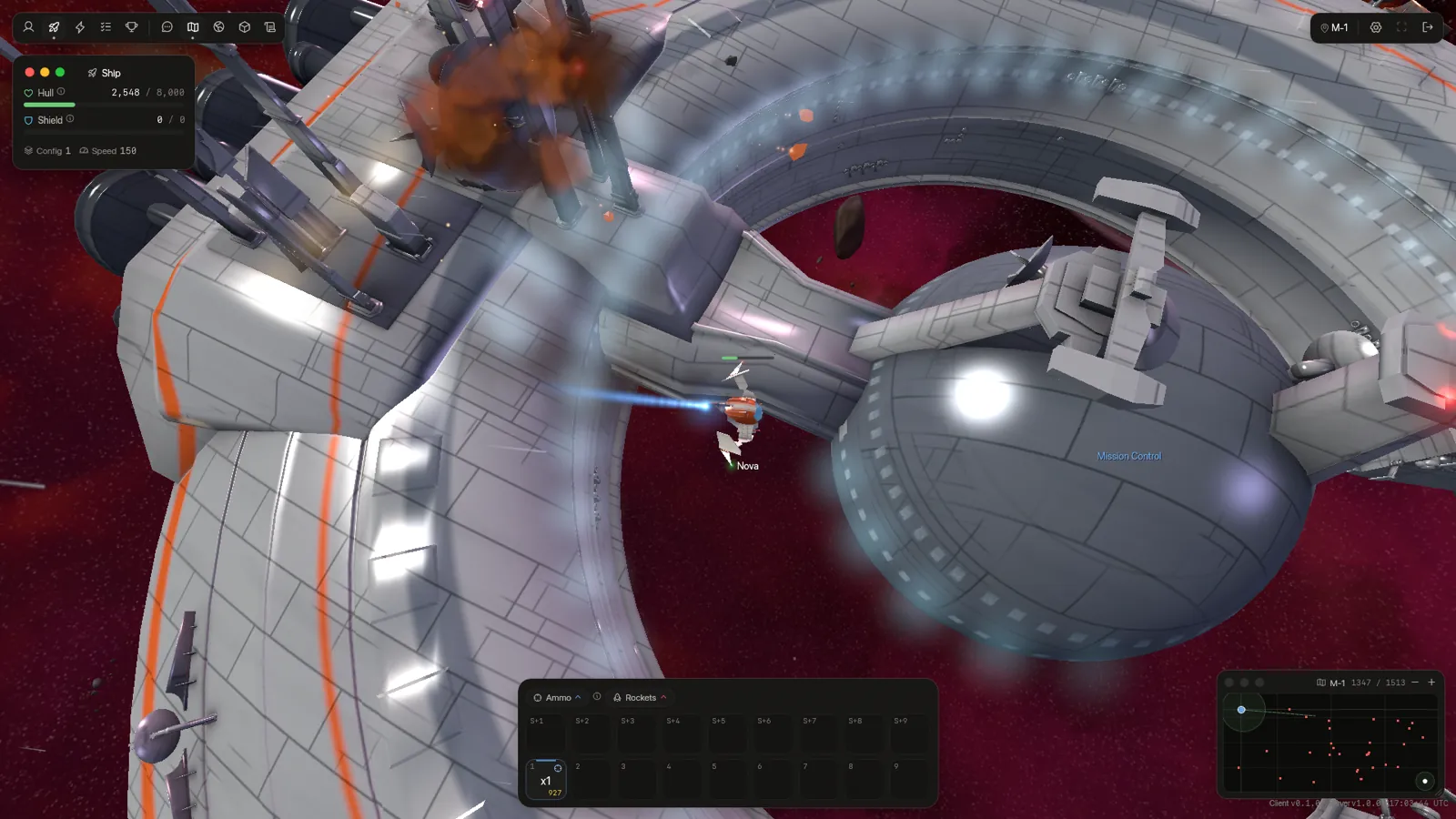
Mission Control, the company's station 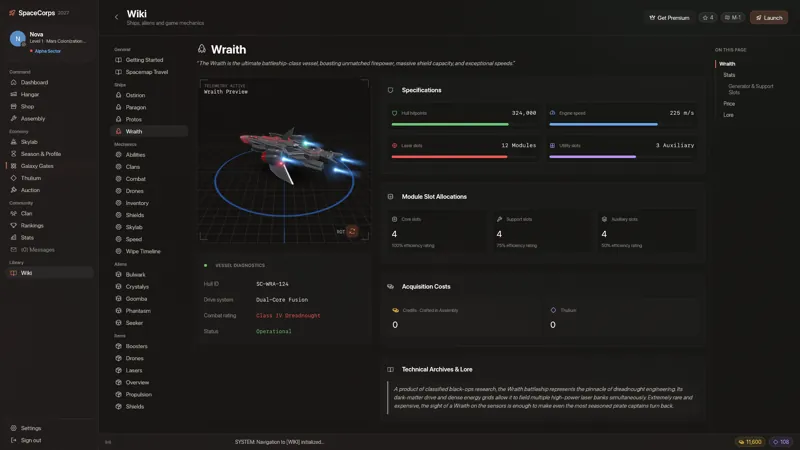
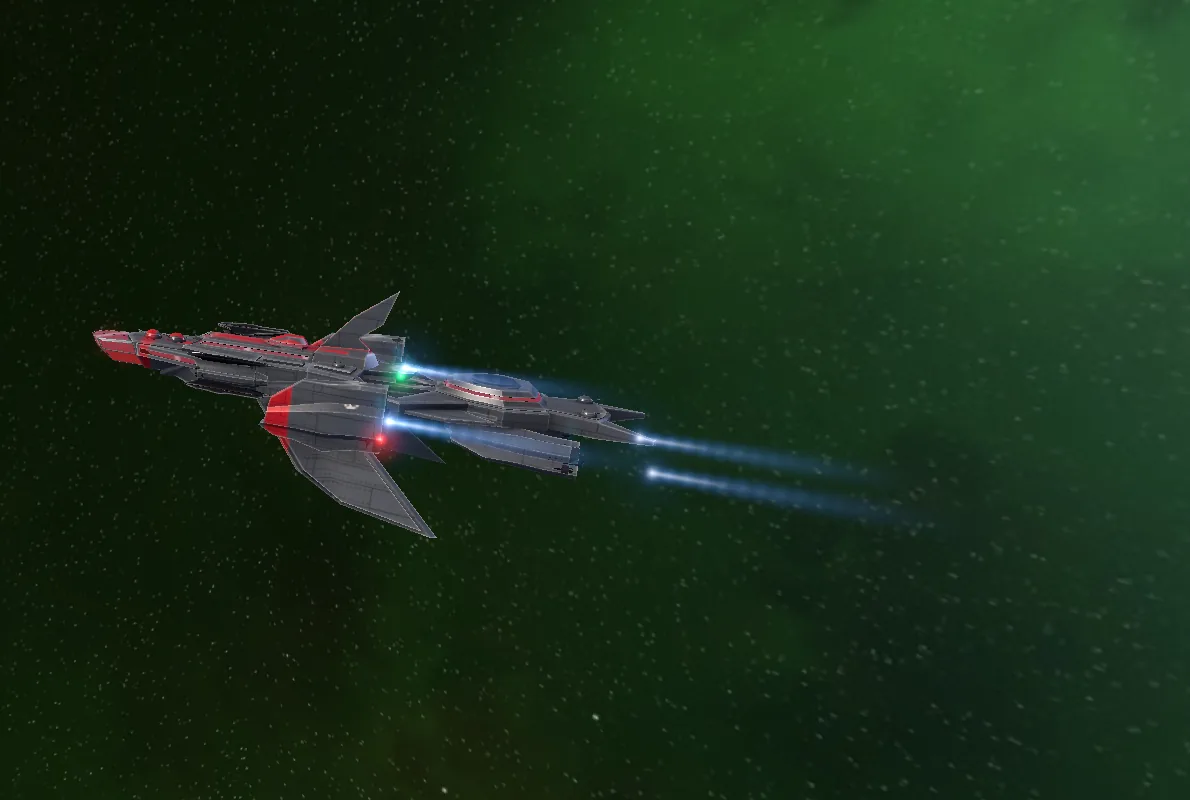
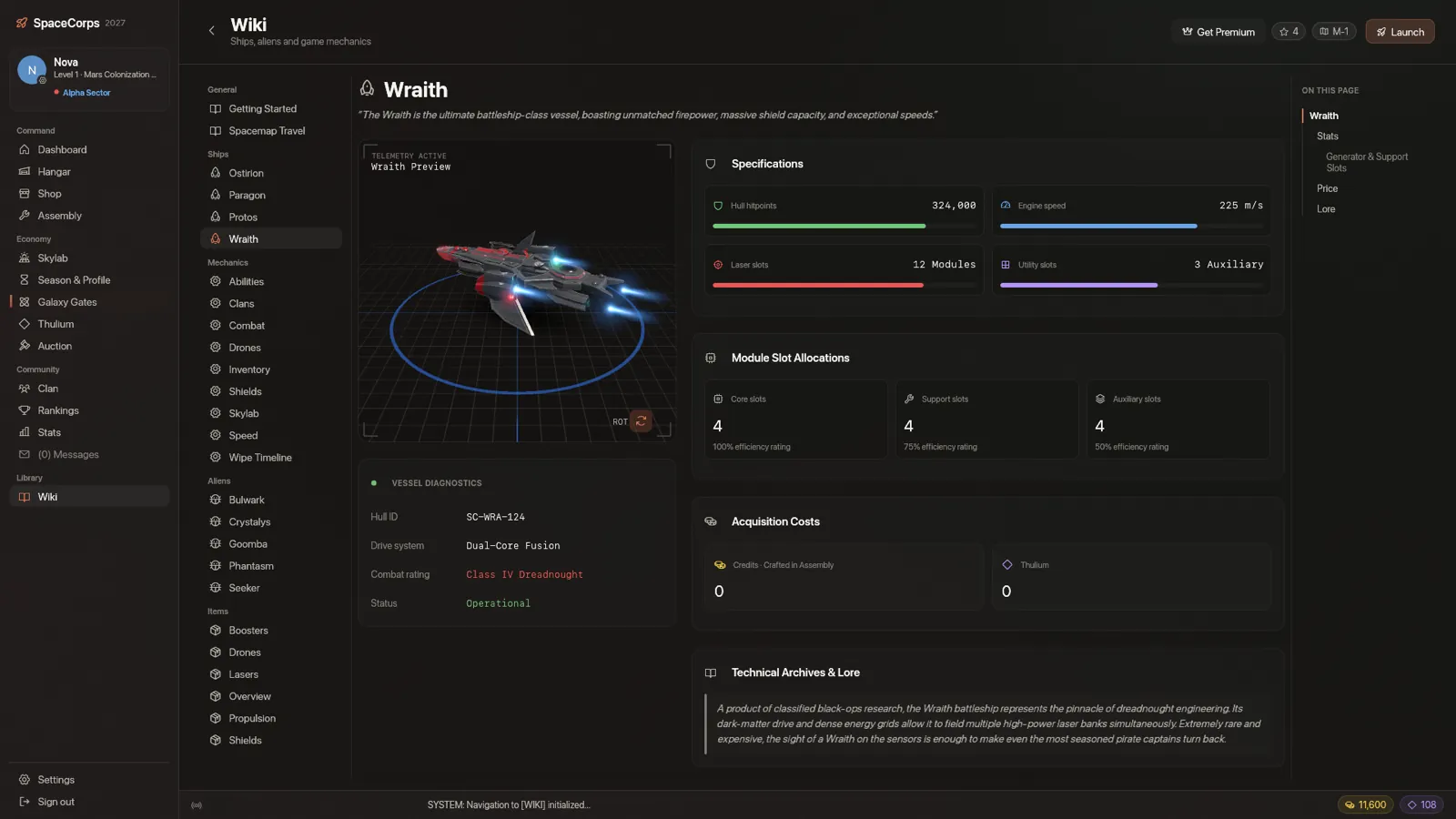
The Wraith in the wiki's model viewer 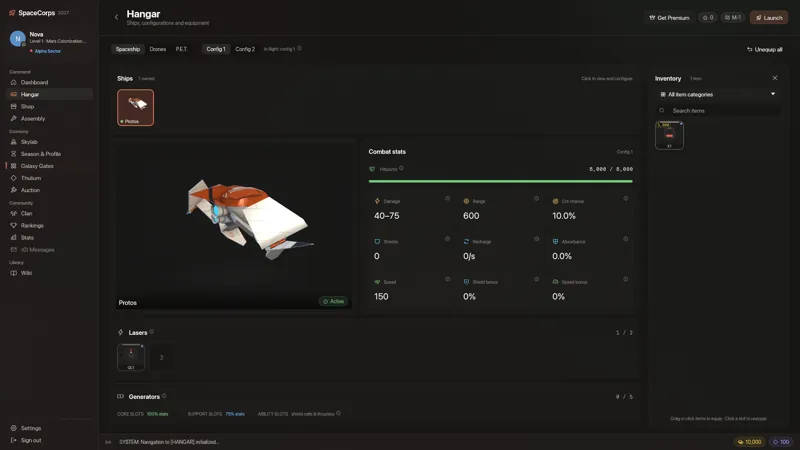
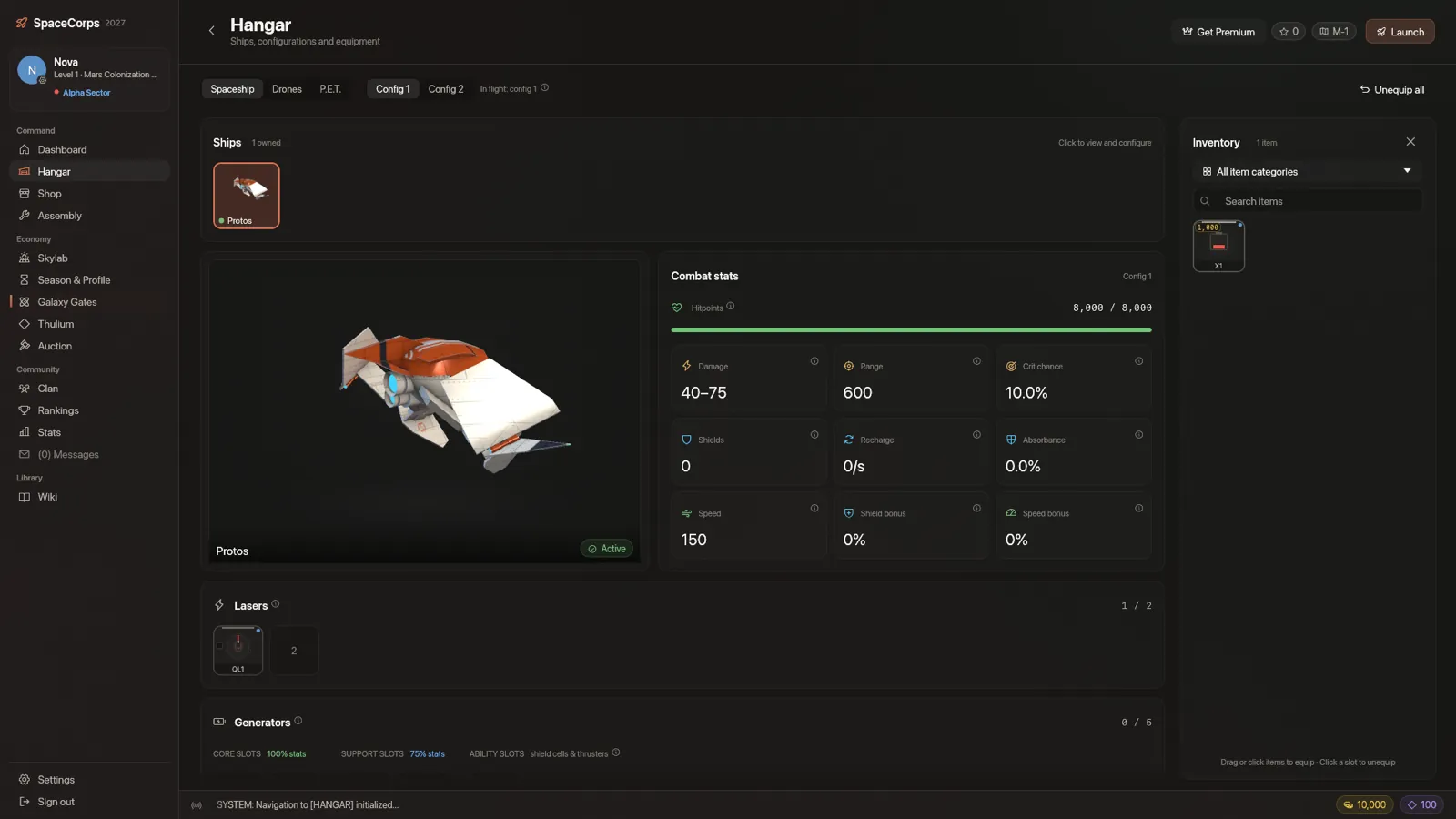
Hangar: ships, configurations, equipment 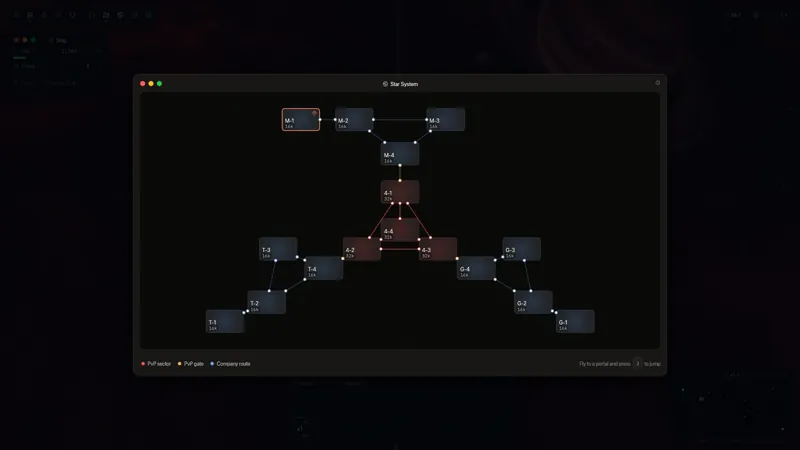
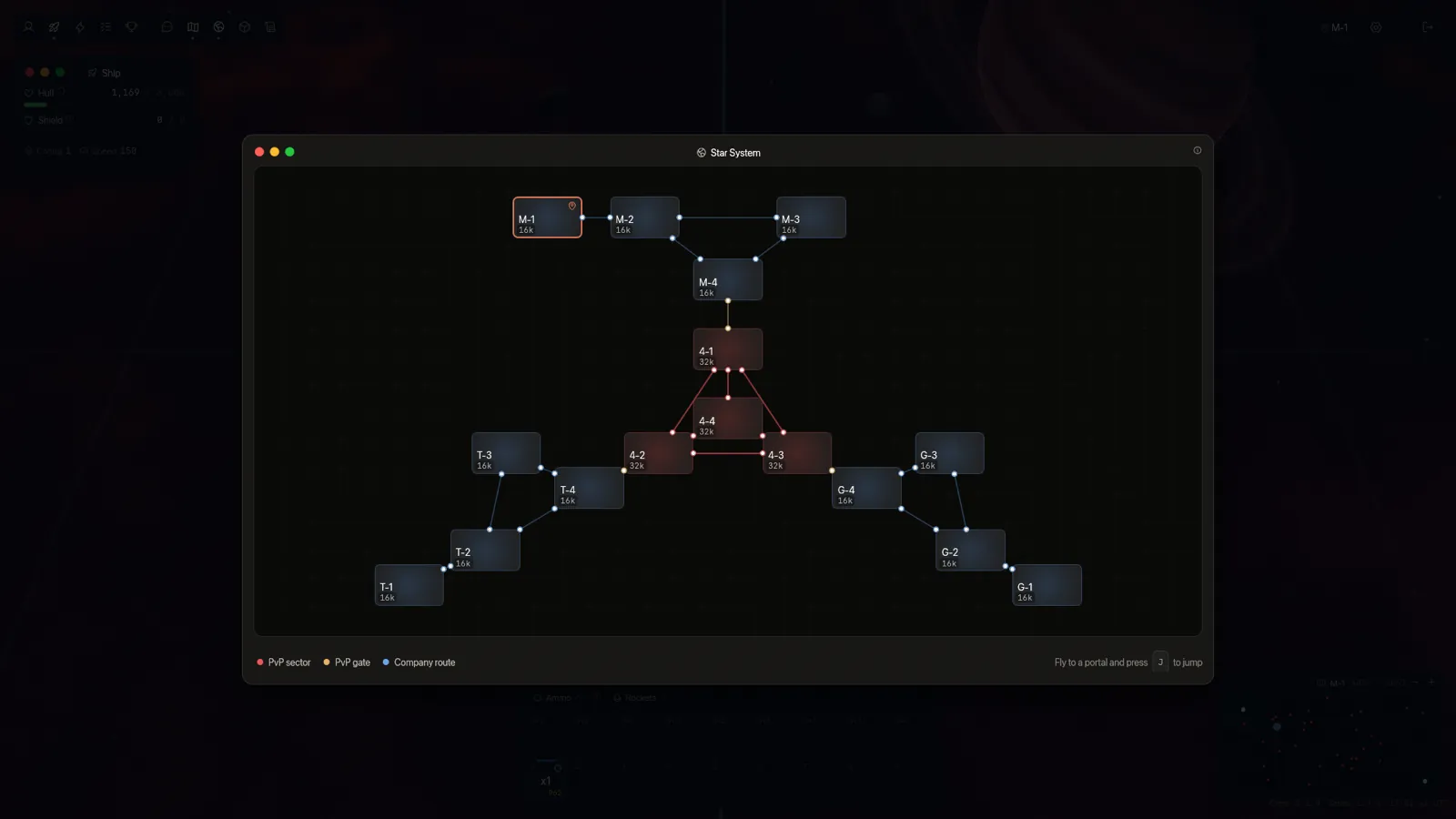
The star system: company sectors around the PvP core
What's in it
The SpaceCorps MMO, rebuilt as a native desktop game.
-
Painted ships
Protos, Paragon, Wraith and Ostirion carry their own liveries, panel lines, hull numbers and blinking navigation lights.
-
Real-time combat
Lasers, rockets, shields and drones against five alien species and other pilots, simulated by an authoritative server.
-
Three corporations
Fly for Mars Colonization, Terra Space Group or Galactic Ventures, and push into the PvP sectors at the heart of the map.
-
Clans
Found or join a clan: members and ranks, a shared bank, clan levels, and diplomacy from treaties to war.
-
Seasons
Thirty days from a fresh start to the Blackhole Eruption. Wipe points buy permanent boosts that outlast the reset.
-
Galaxy Gates
Materialize the 100 parts of the Chrono-Gate to open the Transport Cache and pick next season's sector.
-
Crafting
Craft and fuse equipment in the Assembly, and run Skylab station modules that produce resources.
-
Ten languages
English, Deutsch, Español, Français, Português, Svenska, Русский, 日本語, 한국어 and 简体中文.
Download
The latest release for every platform.
-
Download .dmg
macOS
Apple silicon and Intel · disk image
- File
SpaceCorps2027-macos-universal.dmg- Size
- –
- SHA-256
–
-
Download .zip
Windows
Windows 10 and 11, x64 · zip
- File
SpaceCorps2027-windows-x86_64.zip- Size
- –
- SHA-256
–
-
Download AppImage
Linux
x86_64 · AppImage, runs on most distributions
- File
SpaceCorps2027-linux-x86_64.AppImage- Size
- –
- SHA-256
–
-
Download .tar.gz
Linux
x86_64 · tar.gz, unpack and run
- File
SpaceCorps2027-linux-x86_64.tar.gz- Size
- –
- SHA-256
–
System requirements
| Requirement | macOS | Windows | Linux |
|---|---|---|---|
| System | macOS 12 Monterey or later | Windows 10 or 11, 64-bit | x86_64 with glibc 2.35 or newer (Ubuntu 22.04, Debian 12, Fedora 36 and later) |
| Processor | Apple silicon or Intel | x86-64 | x86-64 |
| Graphics | Metal (every Mac that runs macOS 12) | DirectX 12 or Vulkan | Vulkan (Mesa 22 or a vendor driver) |
| Memory | 4 GB RAM, 8 GB recommended | ||
| Disk | 400 MB free | ||
| Network | Broadband internet: SpaceCorps is online only | ||
First launch
The builds aren't signed by Apple or Microsoft yet, so your system asks once before it opens the game.
macOS: "can't be opened" or "not verified"
- Open the
.dmgand drag SpaceCorps 2027 onto Applications. - macOS 15 Sequoia and newer: open the app once and click Done. Then open System Settings › Privacy & Security, scroll to "SpaceCorps 2027" was blocked and click Open Anyway.
- macOS 12 to 14: right-click (or Control-click) the app, choose Open, then Open again.
- Or, in Terminal:
xattr -dr com.apple.quarantine "/Applications/SpaceCorps 2027.app"
Windows: "Windows protected your PC"
- Right-click the
.zip, choose Extract All, and open the SpaceCorps 2027 folder. Keep the assets folder next to the game. - Start
spacecorps2027.exe. If SmartScreen appears, click More info, then Run anyway.
Linux: make the AppImage executable
- Mark it executable, then start it (or use your file manager's Properties › Allow executing as program):
chmod +x SpaceCorps2027-linux-x86_64.AppImage && ./SpaceCorps2027-linux-x86_64.AppImage - No FUSE on your system? Run it with
--appimage-extract-and-run, or take the.tar.gz: unpack it and startSpaceCorps2027/spacecorps2027.
Check a download
Compare the file's SHA-256 with the one listed above:
- macOS:
shasum -a 256 SpaceCorps2027-macos-universal.dmg - Windows (PowerShell):
Get-FileHash SpaceCorps2027-windows-x86_64.zip - Linux:
sha256sum -c SHA256SUMS --ignore-missing
Game server
The game connects to https://spacecorps-game.sliplane.app checking…. To play on another SpaceCorps server, click Change server under the login card, or go to Settings › Account › Server.
Your login and settings are kept in ~/.spacecorps2027 (%USERPROFILE%\.spacecorps2027 on Windows).